Why a high FPS counter does not always mean smooth gameplay
Compare the same scenes, watch for frame-time spikes and change one setting at a time instead of chasing a single average.
Read storyChoose a repeatable sequence and record not only FPS but also noticeable delays and image quality.
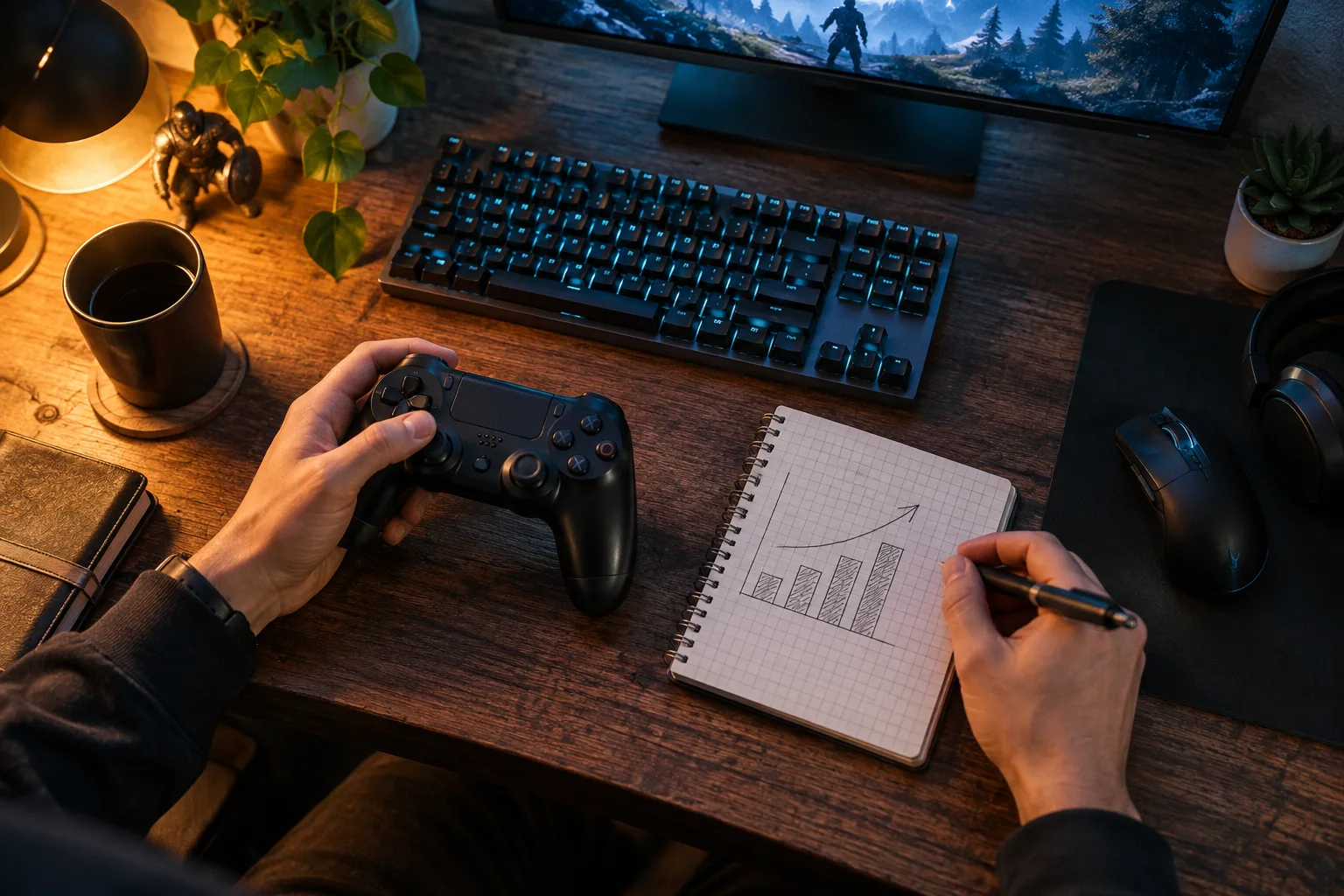
After following several online tips, you have changed everything and the game feels worse. Returning to a good configuration is difficult because nobody recorded the original settings. A small experiment log makes comparisons easier to understand.
Save screenshots of your settings and choose a short, repeatable route: the same location, movement direction and actions. A quiet solo scene cannot be directly compared with a busy online match. Record screen resolution and background applications so you remember the conditions.
Define what you want to improve. Poor clarity, visual stuttering and input delay are different observations. “I want better performance” will not tell you which change helped.
After each adjustment, repeat the selected route. Compare the frame-rate measure and your observations: did stuttering stop, did objects become harder to distinguish, or did another distraction appear? If the effect is unclear, restore the original value and repeat the check.
Record the final settings and the reason for each significant trade-off. After a game update, use the log as a starting point rather than an eternal recipe. Do not download unknown executable “boosters” on the promise of universal results. First examine the game’s own settings and whether you can reproduce the problem under ordinary conditions.
Continue the topic and work through the next step.
Compare the same scenes, watch for frame-time spikes and change one setting at a time instead of chasing a single average.
Read story