
How to fact-check an AI answer before you send it on
The model states numbers and sources with total confidence, even when neither exists. Three places where a mistake costs the most.
Read storyA good prompt is easy to lose in chat history. Save it together with the task, the conditions and an example of a good result.

A month ago an AI gave you a great draft of a client email. Today you need the same thing, but you can't find that prompt in the chat history, so you write it from scratch and the result is worse.
The prompt text alone isn't enough. Note which task it was for, what data you plugged in and what was good about the answer. In a month you won't remember why the prompt included that line about length or tone.
Replace specifics with placeholders like "[client name]", "[the question]", "[deadline]". Then you can reuse the prompt instead of rewriting it. Keep templates in plain notes or a spreadsheet and name them by task: "reply to a complaint", "meeting summary".
Delete templates you never use and add the conditions without which the answer kept coming out wrong. Don't store clients' personal data or internal documents in the library: keep only the structure of the prompt and add the real details when you use it.
Continue the topic and work through the next step.
The model states numbers and sources with total confidence, even when neither exists. Three places where a mistake costs the most.
Read story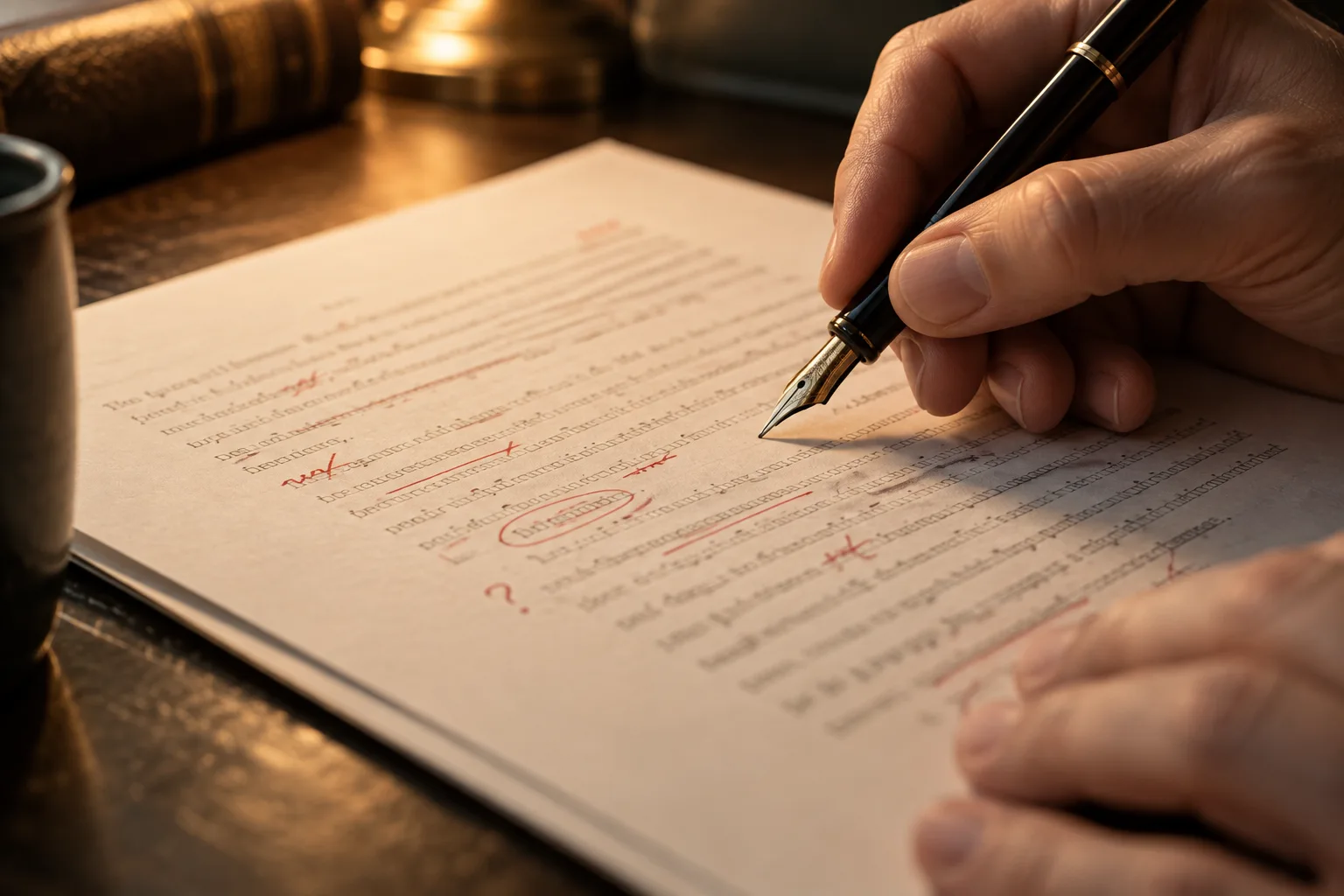
Check facts and meaning first, then structure and language. This order reduces repeated revisions.
Read story
Separate discussion, confirmed decisions and open questions, or the notes will not help your team act.
Read story