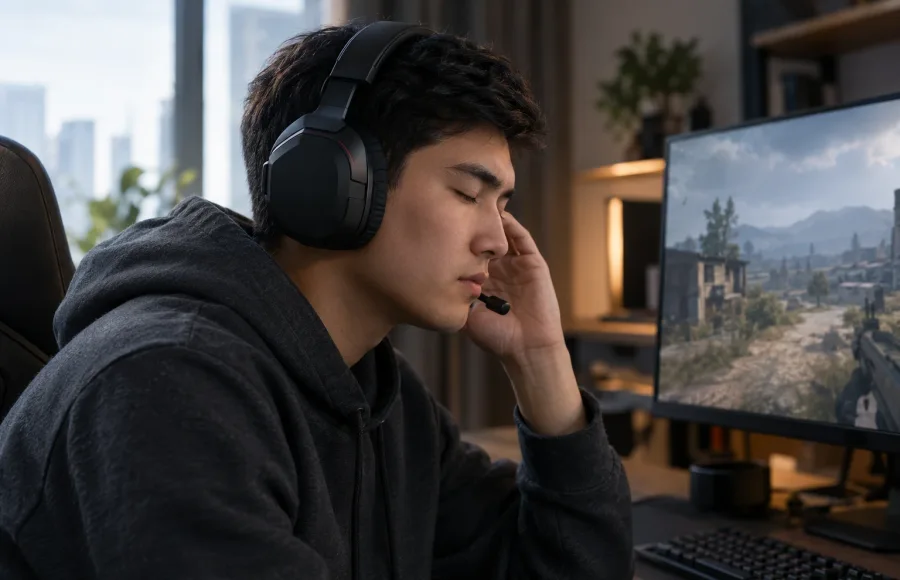
Gaming headsets: why sound accuracy matters more than volume
Hearing which direction footsteps come from decides more in a match than a loud explosion. Test headsets against that, not bass.
Read storyMeasure cm/360° instead of the in-game percentage — it's the one number that carries over between games and screen setups.
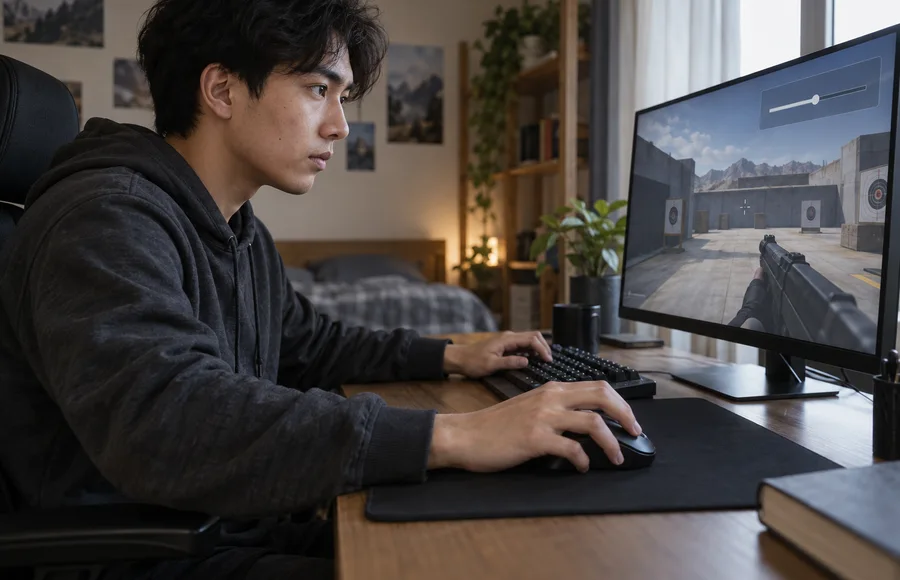
After every lost match, there's a pull to nudge the mouse sensitivity — either you can't turn fast enough, or your aim keeps sliding past the target. A month of tweaks later, the setting changes weekly and muscle memory never gets the chance to settle.
The in-game sensitivity slider is an arbitrary unit tied to your mouse's DPI and that specific game's internal scale. The number that actually carries over is how many centimeters you need to move the mouse across the pad for a full 360-degree turn. Measure it once, using the game's built-in counter or a third-party calculator, and carry that number when you switch to another game.
Don't touch mouse DPI, in-game sensitivity, and polling rate in the same session — if aim gets worse afterward, there's no way to tell which change caused it. Adjust one setting, test it in a bot match or an aim range, and judge tracking on a stationary target separately from a moving one.
Even a good setting feels off for the first few days, because muscle memory is still tuned to the old one. Don't revert after a single bad session — play at least a week before drawing a conclusion. Once you've logged the cm/360° value, carry it straight into the next game in the same genre instead of starting from zero.
Continue the topic and work through the next step.
Hearing which direction footsteps come from decides more in a match than a loud explosion. Test headsets against that, not bass.
Read story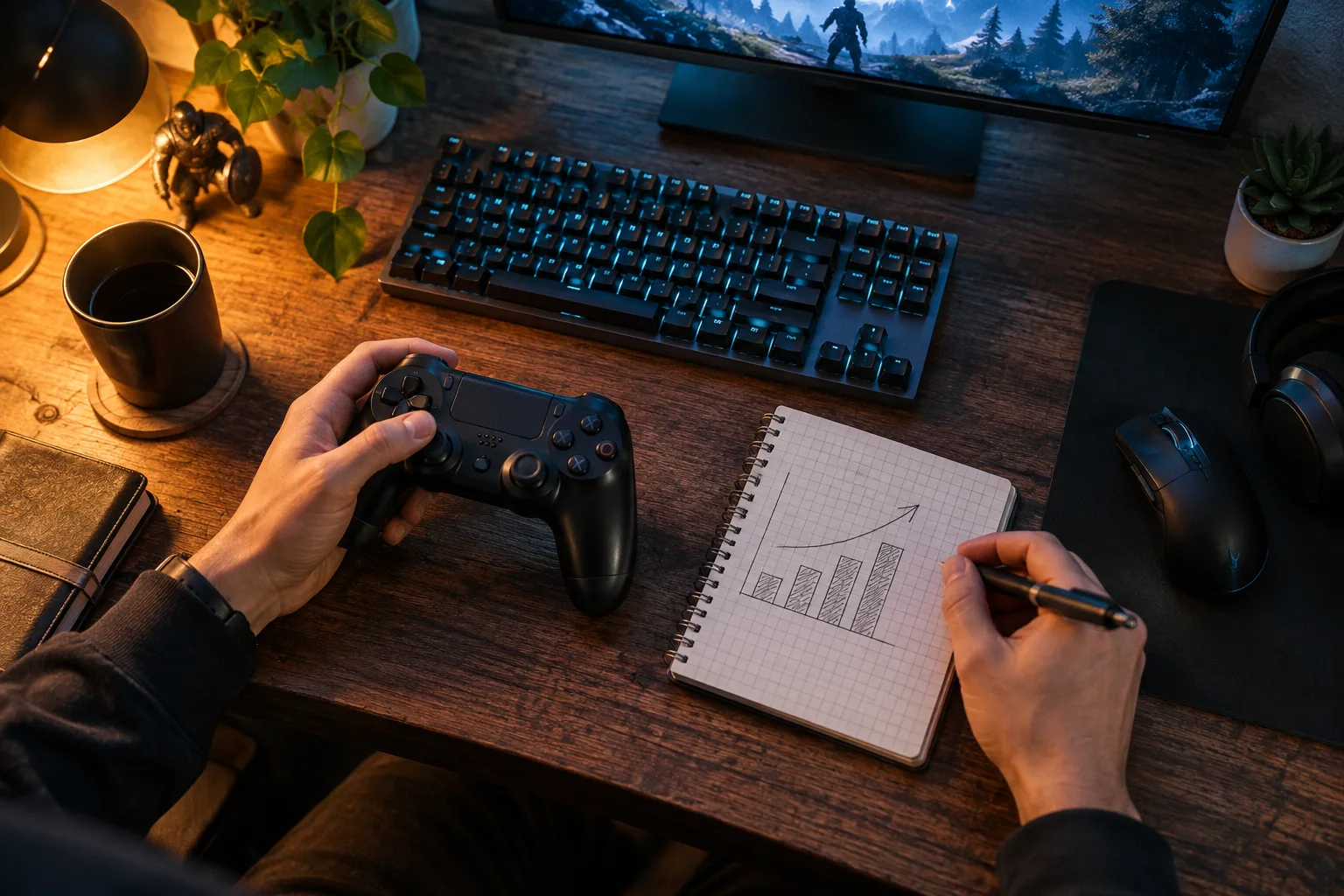
Choose a repeatable sequence and record not only FPS but also noticeable delays and image quality.
Read story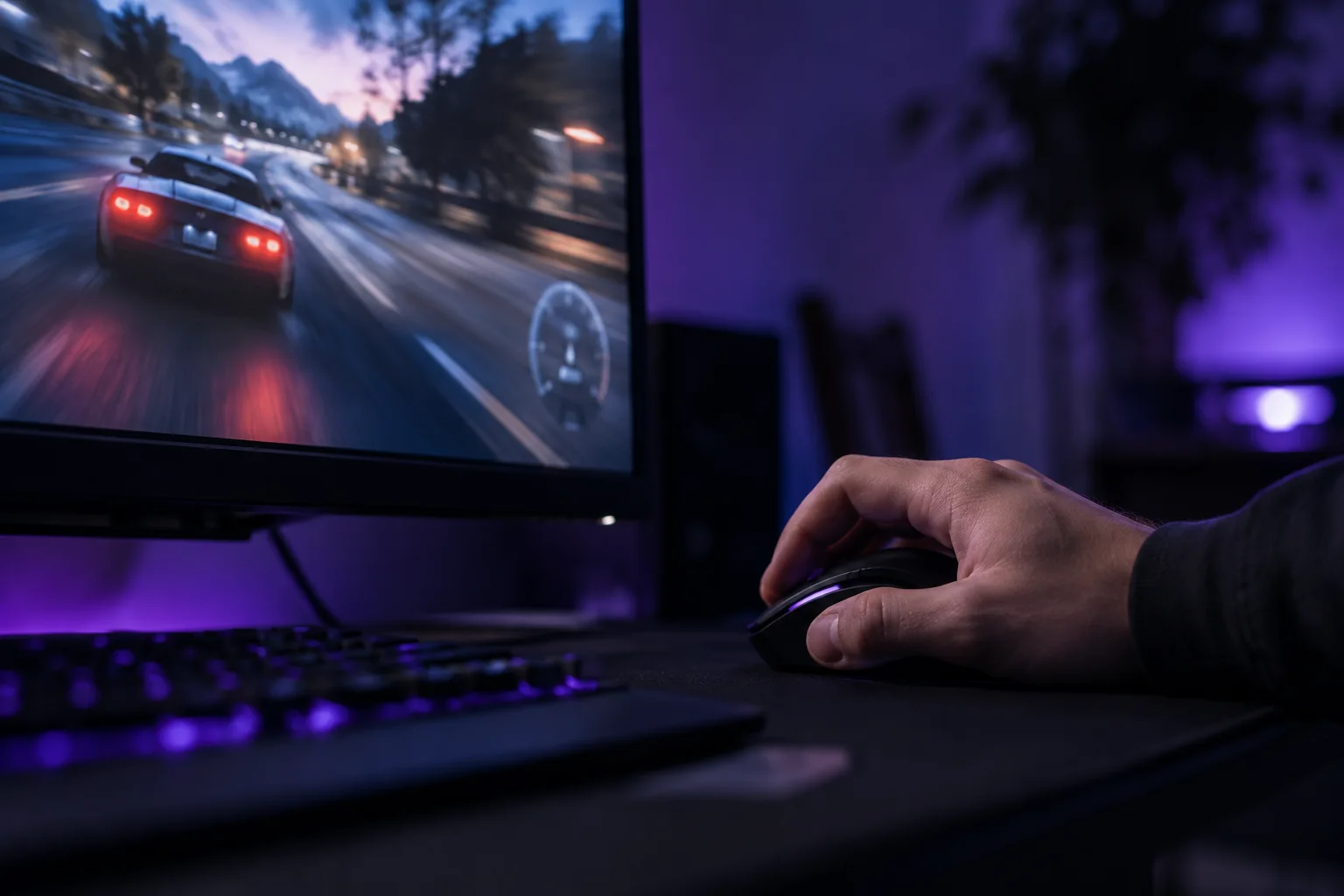
Compare the same scenes, watch for frame-time spikes and change one setting at a time instead of chasing a single average.
Read story